Help & Support
Overview
The Help & Support module provides a searchable help center with categorized MDX articles, FAQs, video tutorials, and direct contact options for reaching the support team.
Navigate to: Sidebar → Help & Support or /help
Help Center
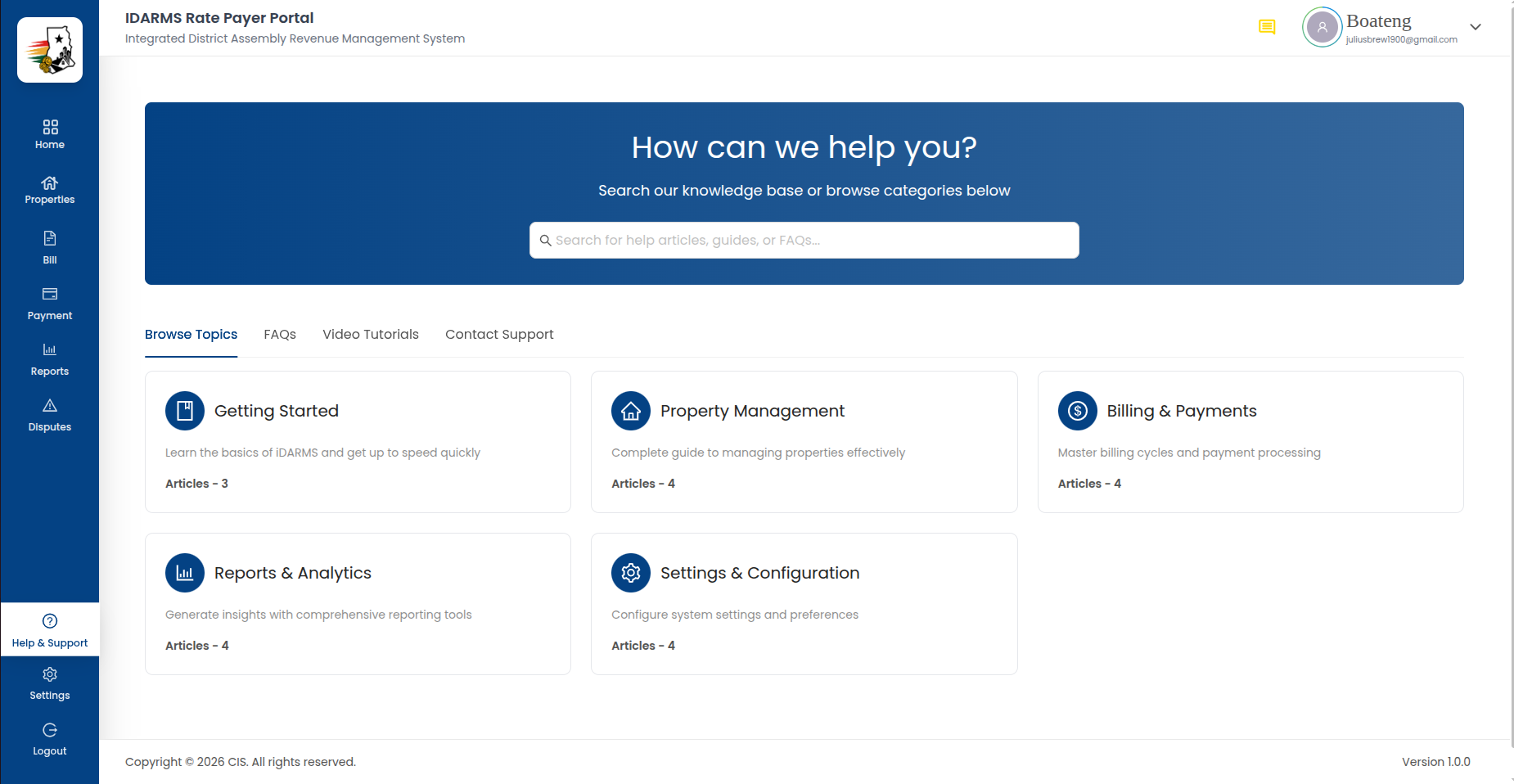
| Element | Description |
|---|---|
| Search bar | Search across all help articles, FAQs, and categories |
| Categories | Browsable categories of help topics |
| Featured articles | Highlighted or popular help articles |
| Video tutorials | Embedded video guides for common tasks |
| FAQs | Frequently asked questions section |
| Contact Support | Direct link to reach the support team |
Search
The search bar provides real-time filtering across all help content. As the user types, matching articles, FAQs, and categories are displayed.
| Element | Description |
|---|---|
| Search input | Free-text search |
| Search results | Matching articles displayed below the search bar |
| Clear button | Clears the search input and resets results |
Things to check
- Search results update in real time as the user types
- Search matches article titles, content, and category names
- Empty search results show a clear "No results found" message
- Clearing the search input resets the full help center view
- Search handles special characters and multiple words correctly
Help Categories
Categories organize help articles into logical groups. Each category shows:
| Element | Description |
|---|---|
| Category icon | Visual identifier for the category |
| Category name | e.g. Getting Started, Billing, Payments, Properties |
| Article count | Number of articles in the category |
Tapping a category opens its article list.
Category Articles
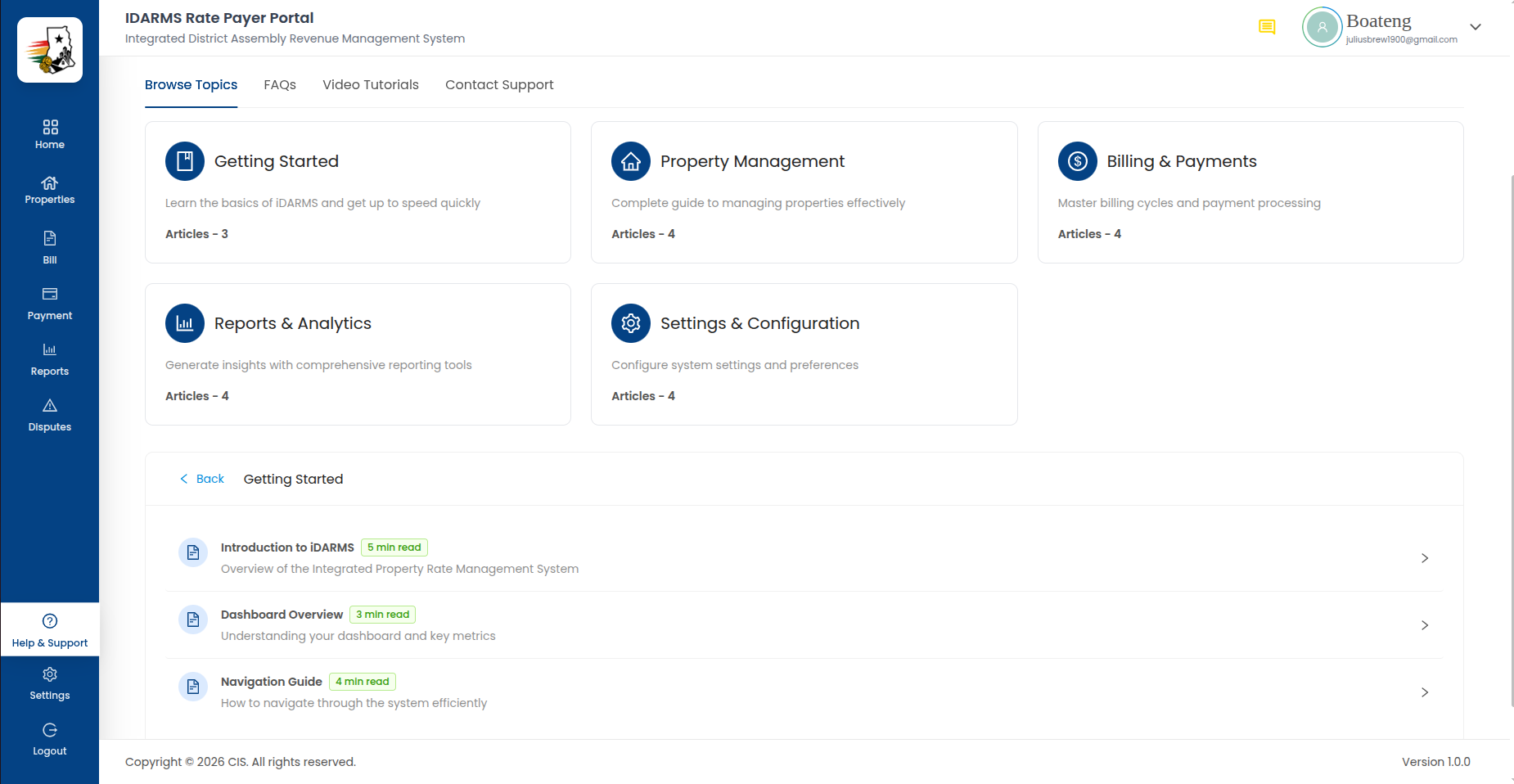
| Element | Description |
|---|---|
| Category title | Name of the selected category |
| Article list | Articles within the category, each with a title and brief description |
| Back button | Returns to the main help center |
Things to check
- Each category shows the correct number of articles
- Articles within a category are relevant to that category's topic
- Back navigation returns to the main help center without losing scroll position
- Categories are arranged in a logical order
Help Article
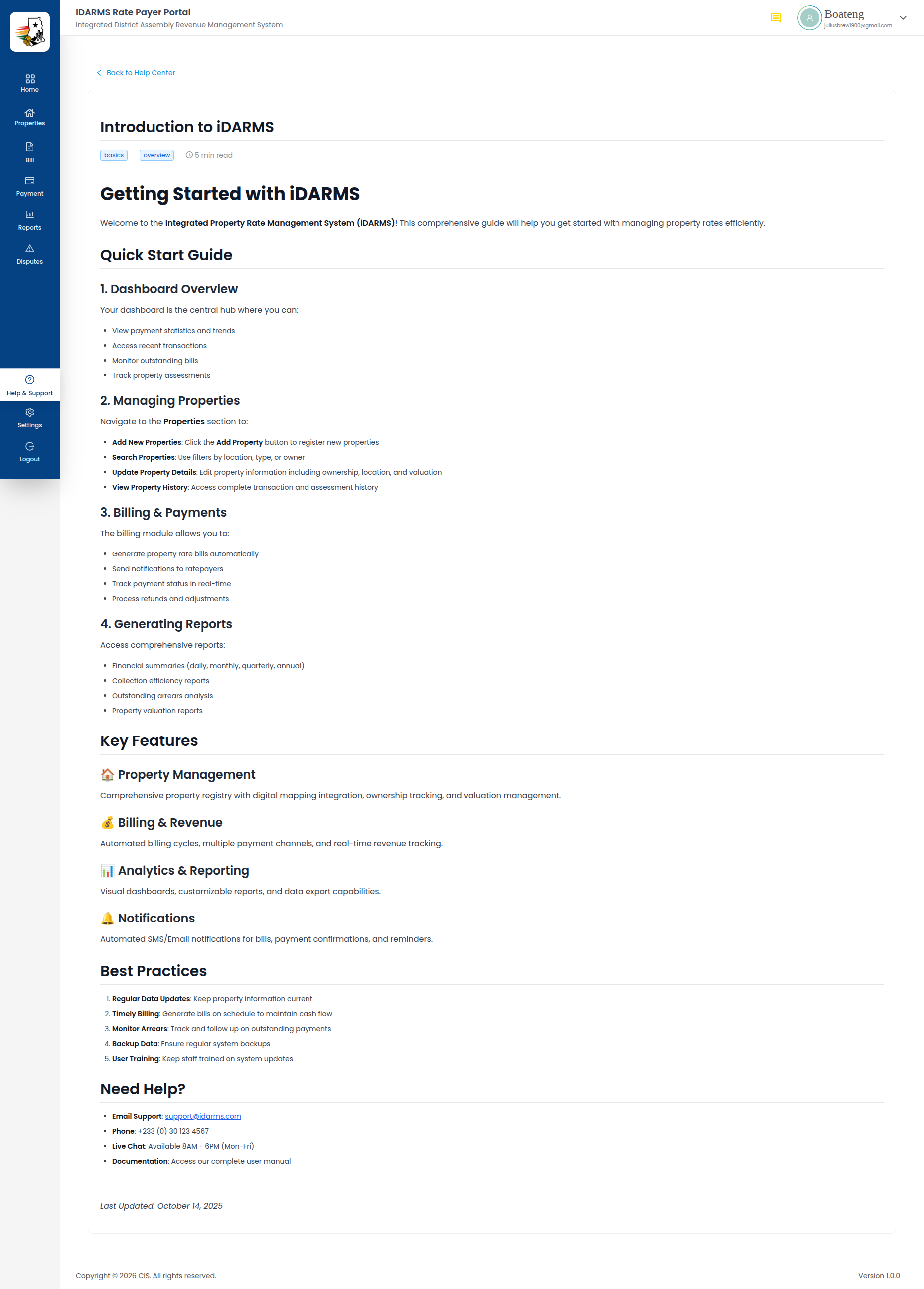
Individual help articles are rendered from MDX content and may include:
| Element | Description |
|---|---|
| Article title | Clear, descriptive heading |
| Article body | Rich text content with formatting, images, and code blocks |
| Related articles | Links to related help articles |
| Back button | Returns to the category or help center |
Things to check
- Article content renders correctly with proper formatting
- Images within articles load and display correctly
- Related article links navigate to the correct articles
- Back navigation works correctly
- Articles are readable on both desktop and mobile viewports
FAQs
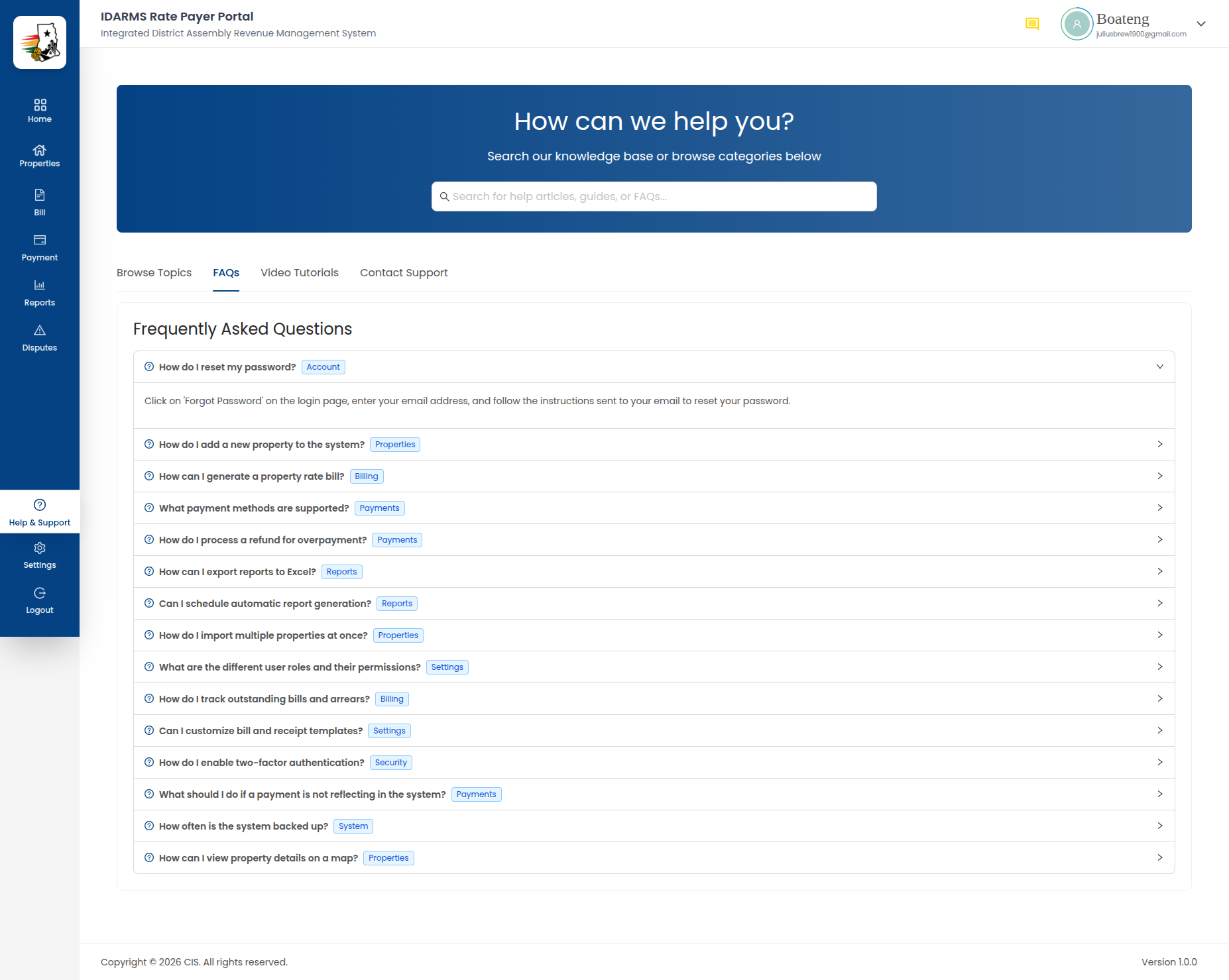
Frequently asked questions are displayed in an expandable accordion format.
| Element | Description |
|---|---|
| Question | Clickable header that expands/collapses the answer |
| Answer | Detailed response revealed on click |
| Category grouping | FAQs may be grouped by topic |
Things to check
- Clicking a question expands the answer smoothly
- Only one FAQ can be expanded at a time (or multiple — confirm the intended behavior)
- FAQ content is accurate and up to date
- Answers are clear and address the question directly
Video Tutorials
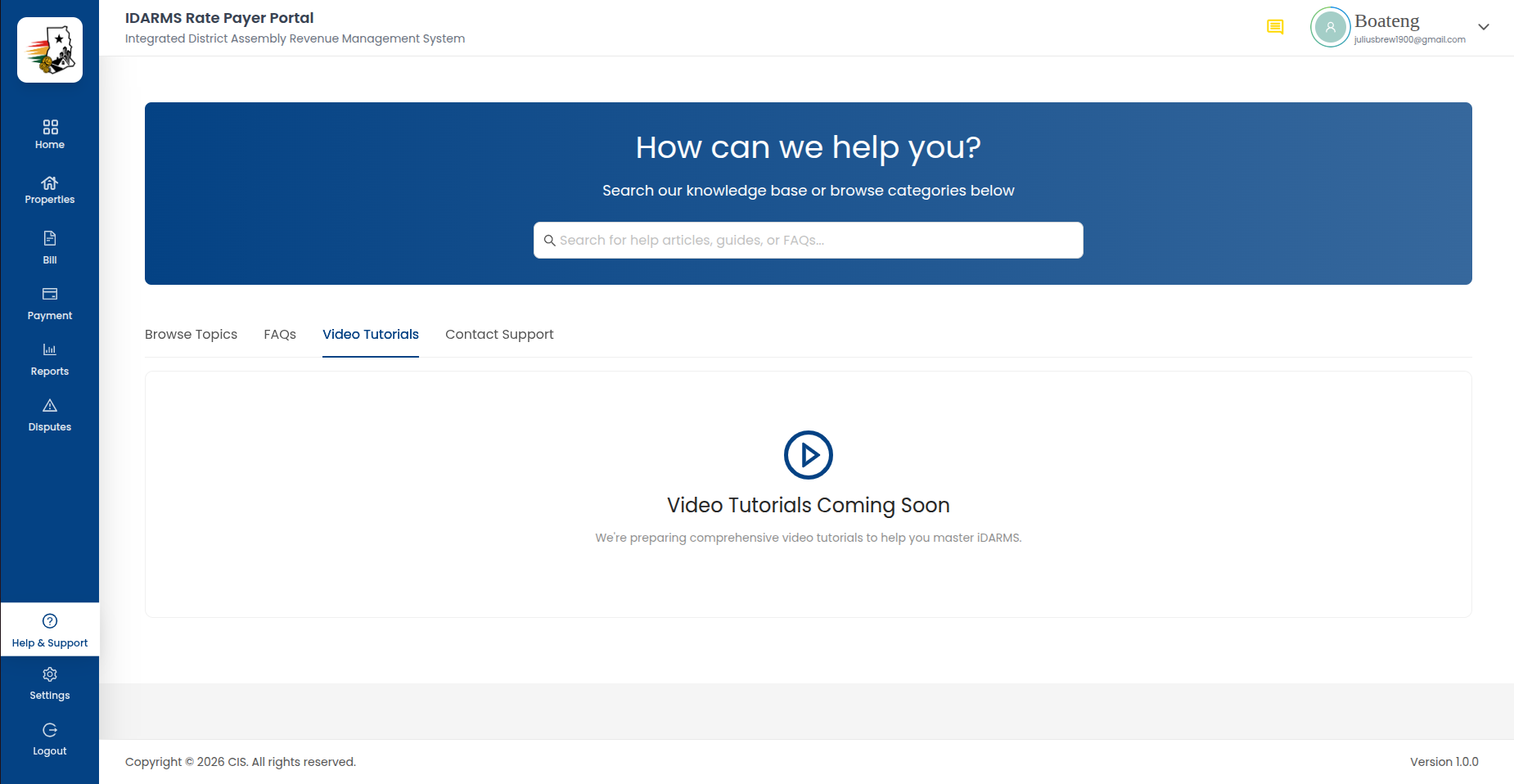
Embedded video tutorials covering common tasks and workflows.
| Element | Description |
|---|---|
| Video thumbnail | Preview image for the video |
| Video title | Description of the video content |
| Play button | Starts video playback |
| Duration | Length of the video |
Things to check
- Videos load and play without errors
- Video controls (play, pause, volume, fullscreen) work correctly
- Videos are responsive and display correctly on different screen sizes
- Video titles accurately describe the content
Contact Support
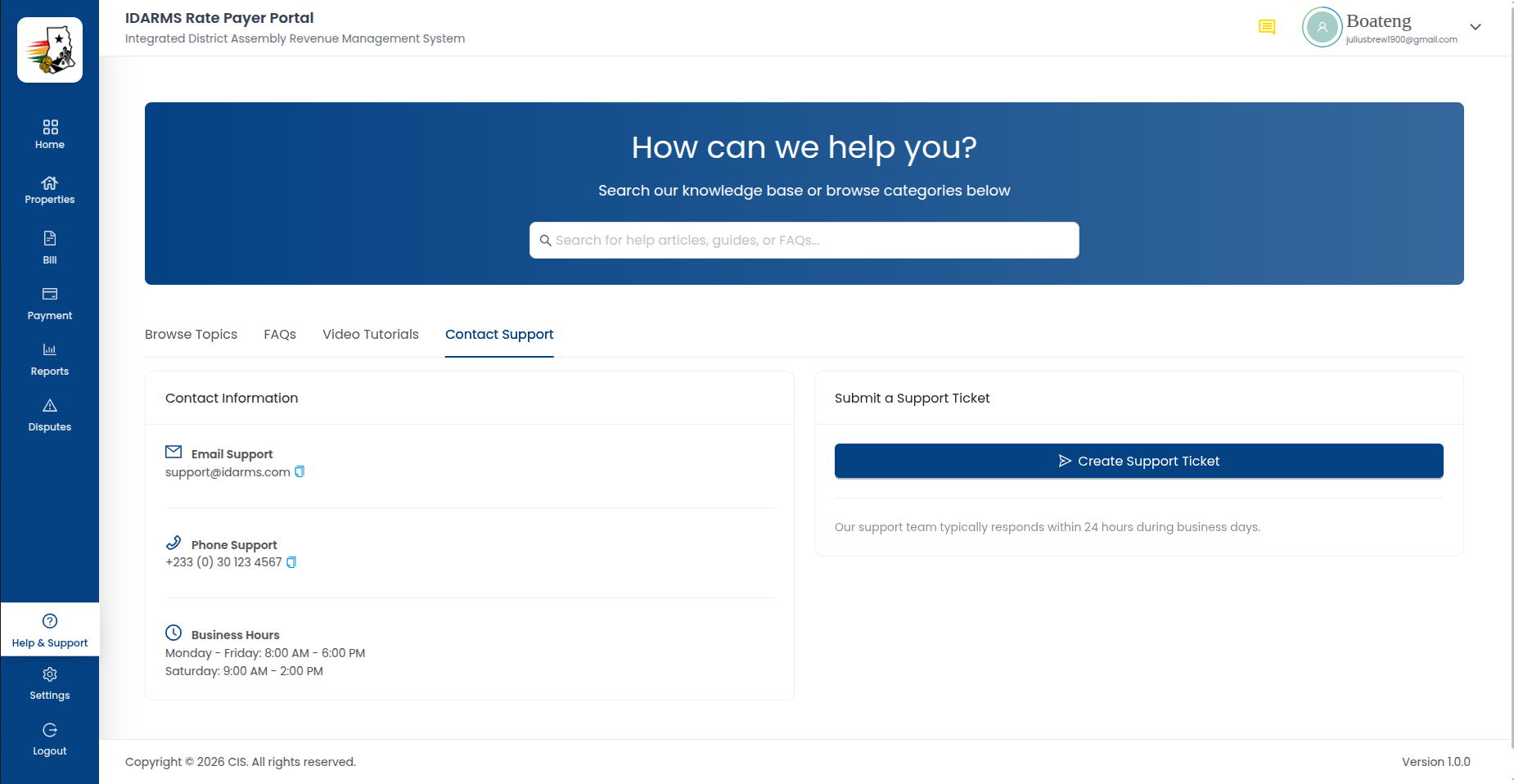
Direct contact options for reaching the support team.
| Option | Description |
|---|---|
| Call Support | Opens the phone dialer with support's number pre-filled |
| Send Email | Opens the default mail app addressed to support |
| WhatsApp Support | Opens WhatsApp with support's number pre-filled |
Things to check
- Each option launches the correct external app (Phone / Mail / WhatsApp) with the right number or address pre-filled
- Behavior when the relevant app isn't installed (e.g. no WhatsApp) fails gracefully rather than crashing
- Contact information is accurate and current
Things to check
- Help center search covers all content (articles, FAQs, categories)
- All help content is accurate and matches current application functionality
- Help center is accessible from the sidebar on all pages
- Mobile responsiveness is maintained across all help center views